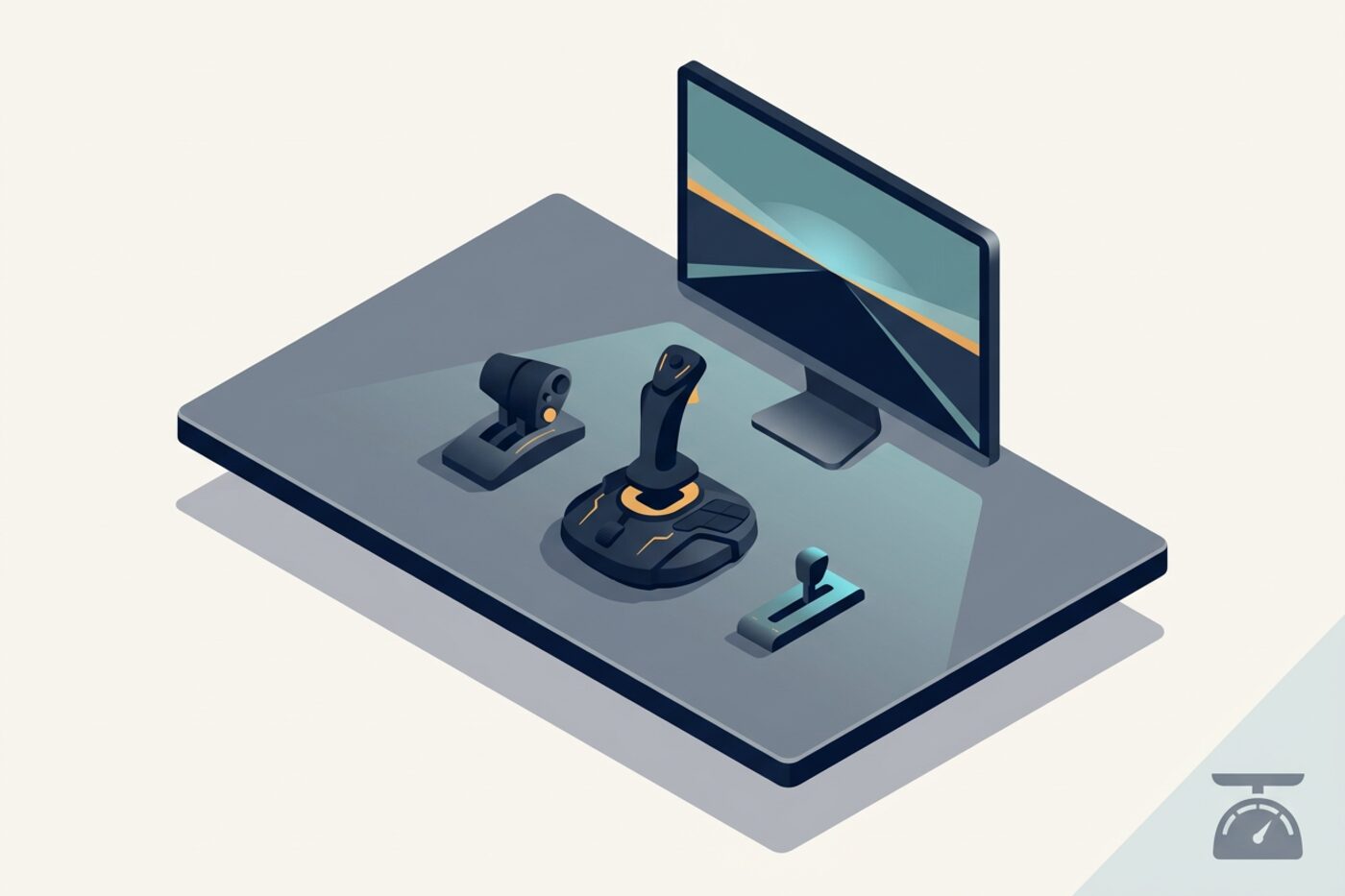
I’ve watched more people get talked into a home cockpit worth more than a used car than I care to admit, usually within their first six months in the hobby. Then a few months later they’re flying less, not more, because the hardware became the project instead of the flying. You can build a genuinely satisfying setup for a fraction of that, and honestly, some of the most enjoyable flying I’ve done was on gear that cost less than a nice dinner out. Here’s how I’d spend a limited budget if I were starting over.
Start with a yoke or stick, not a full flight deck
Your single highest-impact purchase is a decent control input device, and you don’t need it to be expensive. A basic USB yoke or joystick with reasonable build quality runs well under a hundred, and for airliner-style flying a yoke feels closer to the real thing, while a stick suits GA and fighter-style flying better. Resist the pull toward a full replica flight deck as your first purchase – it’s the single most expensive category per unit of enjoyment gained, and you genuinely don’t know yet which aircraft or flying style you’ll gravitate toward.
If you can stretch slightly further, separate throttle quadrants add real value for airliner flying because reaching for a physical lever to bring thrust levers to idle at flare, rather than a keyboard shortcut or a twist-grip, changes the feel of landing more than almost anything else you can buy.
Rudder pedals are worth prioritizing over most add-ons
If your budget forces a choice between a set of rudder pedals and a payware aircraft add-on, I’d take the pedals almost every time. Coordinated flight – actually using rudder for crosswind landings, taxi steering, and adverse yaw correction – is a fundamental flying skill that twist-stick or keyboard-rudder just can’t teach properly. Entry-level pedal sets exist at a reasonable price point and are a bigger jump in realism per dollar than most cockpit add-ons you could buy instead.
Headset and audio matter more than people expect
A cheap gaming headset technically works, but if you’re flying online with ATC, clear communication audio is functionally part of your instrument panel – you’re making decisions based on what you hear. A mid-range headset with a clear microphone, used with push-to-talk software, is a small expense that pays off on every single online flight. You don’t need studio equipment; you need something that doesn’t clip your audio or pick up your keyboard clatter every time you type a squawk code.
Monitors: one good screen beats three mediocre ones
Multi-monitor setups look fantastic in cockpit-building videos, but a single larger, higher-resolution display gives you more usable detail for the money than splitting the same budget across two or three smaller screens with bezels breaking up your view. If you later add a second monitor specifically for a moving map tool or overhead panel view, that’s a reasonable expansion – just don’t make it the starting point.
Where the diminishing returns kick in
- Motion platforms and force-feedback yokes – genuinely impressive, but priced for enthusiasts who’ve already confirmed they’re in this for years
- Full metal switch panels replicating a specific aircraft type before you know if you’ll fly that type long-term
- High-end graphics cards pushed purely for ultra settings – flight sim is CPU-bound in most scenarios more than it’s GPU-bound, so budget accordingly rather than assuming a flagship card fixes stutters
- VR headsets as a first purchase – phenomenal for some people, genuinely uncomfortable for others, and expensive to find out which camp you’re in
Buy used, buy incrementally
The flight sim hardware market has healthy secondhand activity – people upgrade, sell their old gear, and move on. Checking secondhand listings before buying new saved me a meaningful amount on my current setup, particularly for yokes and throttle quadrants, which tend to be durable enough that a used unit works exactly as well as new. Test the unit if you can, or at least ask the seller how many hours it’s seen and whether any axis has developed dead zones or drift, since that’s the main failure point on older sticks and yokes.
Build incrementally: fly for a few months on basic gear, notice specifically what’s limiting your enjoyment, then spend on that exact thing rather than guessing upfront what you’ll need. If the crosswind landings are what frustrate you, buy pedals next. If straining to read the panel is the actual problem, a monitor upgrade solves more than another input device would.
For a sanity check on where your money is best spent for a given simulator, the community wikis and forums around Microsoft Flight Simulator and X-Plane both have active hardware discussion threads with real owners comparing devices at every price point, which is far more useful than any single retailer’s marketing copy.
The honest truth is that phraseology, navigation skill, and flying discipline matter more to how satisfying a flight feels than hardware does. Plenty of people fly happily and well on a fifty-dollar joystick and a keyboard for everything else. Spend where it changes how you fly, skip what only changes how your setup photographs.